Visitors
Choose a service and take a ticket. Have a reservation code? Check in when you arrive.
Queue software and hardware
Choose software alone or add a kiosk and queue display, to suit the way your service location works.
Free online licences exclusively for nonprofit organisationsChoose a service
Your queue number
A-001RegistrationKeep this number.At your service location
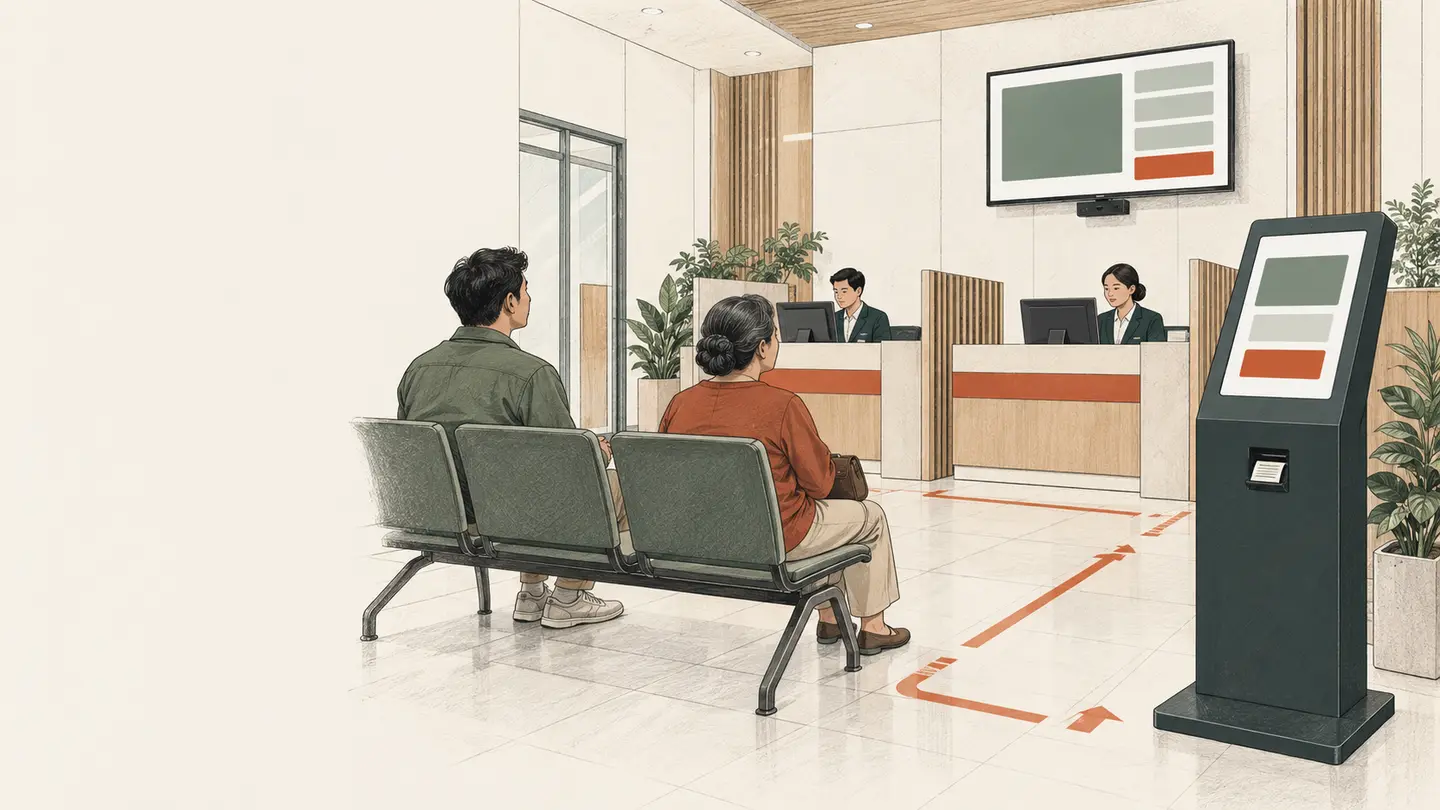
Visitors need to know which service to choose and which counter is calling. Staff need to see who is waiting. When a visit moves between departments, visitors need to understand what happens to their place in line.
Antrean puts that information on the right screen: service choices at the kiosk, waiting lists at the staff desk, and calls on the display.
See how it worksOne journey, three views
Choose a service and take a ticket. Have a reservation code? Check in when you arrive.
Call the next number, repeat a call, or direct a visitor to the next service.
The called number and destination counter appear on the display. Visitors know where to go.
Sample interfaces with demonstration data. These are illustrations, not working controls.
Choose your service setting
 01 / Banking
Separate transactions, customer enquiries, and loan services within one branch.
 02 / Hospitals
Sample queues for registration, outpatient clinics, and pharmacy services.
 03 / Community Health
Sample queues for registration, general consultations, and maternal and child health services at a community health centre.
 04 / Tax Offices
Sample queues separating information, tax administration, and consultations at a service office.
Concept images with fictional people and locations. Service names in the demos are sample settings.
Deployment options
Already have equipment? Discuss using the software with what is available. Setting up a service location? Antrean also offers package options, from kiosks to queue displays.
Available offering
Antrean offers free online queue software licences exclusively for nonprofit organisations, such as community health centres. Hardware, hosting, installation, and support are discussed according to the deployment scope.
Explore nonprofit licensing A free licence does not automatically cover every deployment need. Scope and costs follow the written quotation.Field notes
Reservations & check-in · 3 min read
What is agreed when a booking is made, and what changes when a visitor checks in?
Service transfers · 3 min read
Define the number, queue position, and destination information before adding a transfer button.
Time tracking · 3 min read
Distinguish waiting time, service time, and the entire journey before building queue reports.
Next step
Tell us about your services, the equipment you have, and what you need to prepare.