Hardware packages
From ticket collection
to the queue display.
Plan software and hardware around your service location. Existing equipment can be checked before deciding what to add.
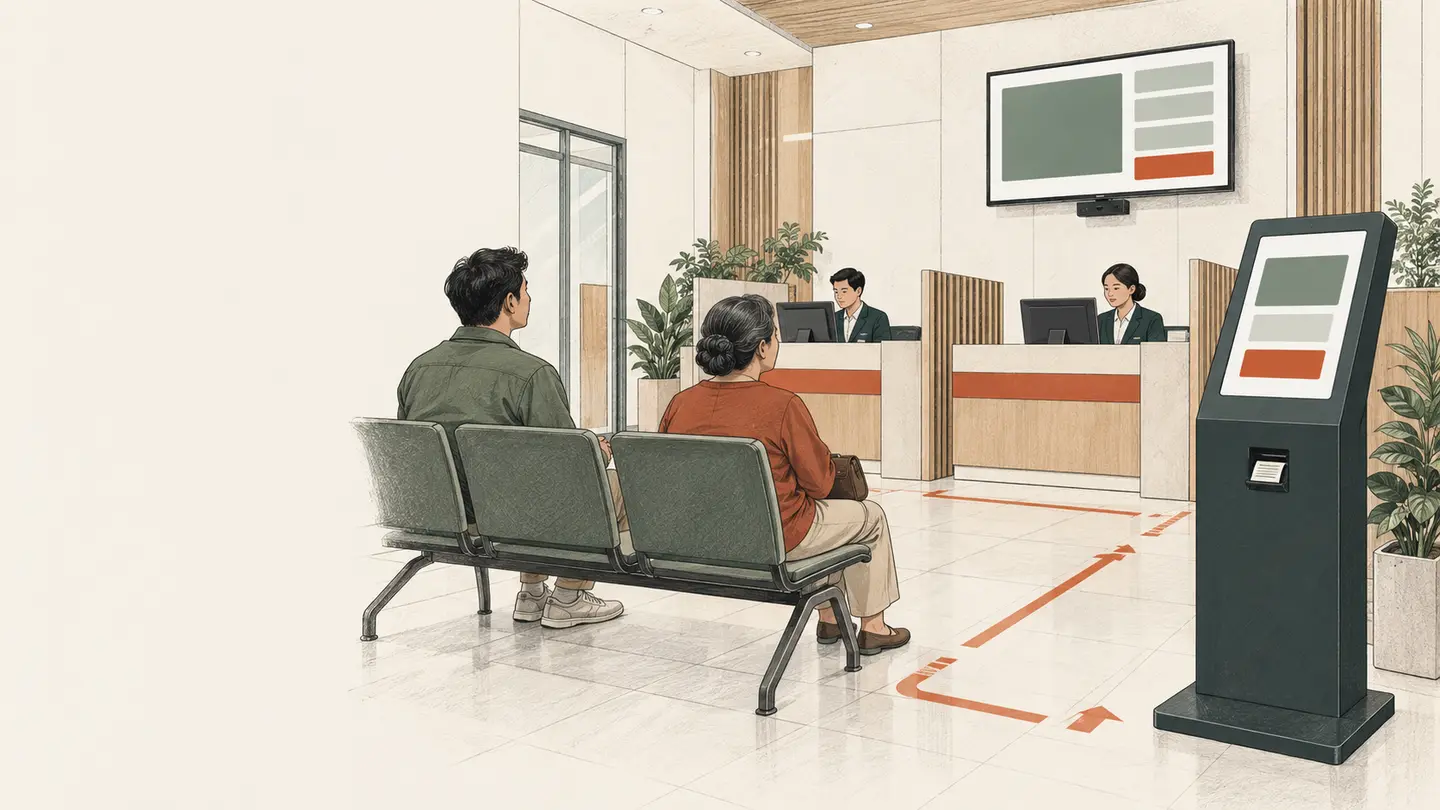
The journey first.
The hardware follows.
Identify the entrance, ticket collection point, staff desks, and sightlines to the display. The final scope is recorded in a written quotation.
Connected components
One system.
A clear scope.
Kiosks, staff devices, and displays use the application in their respective roles. Printers and audio depend on service needs.
Read the deployment checklist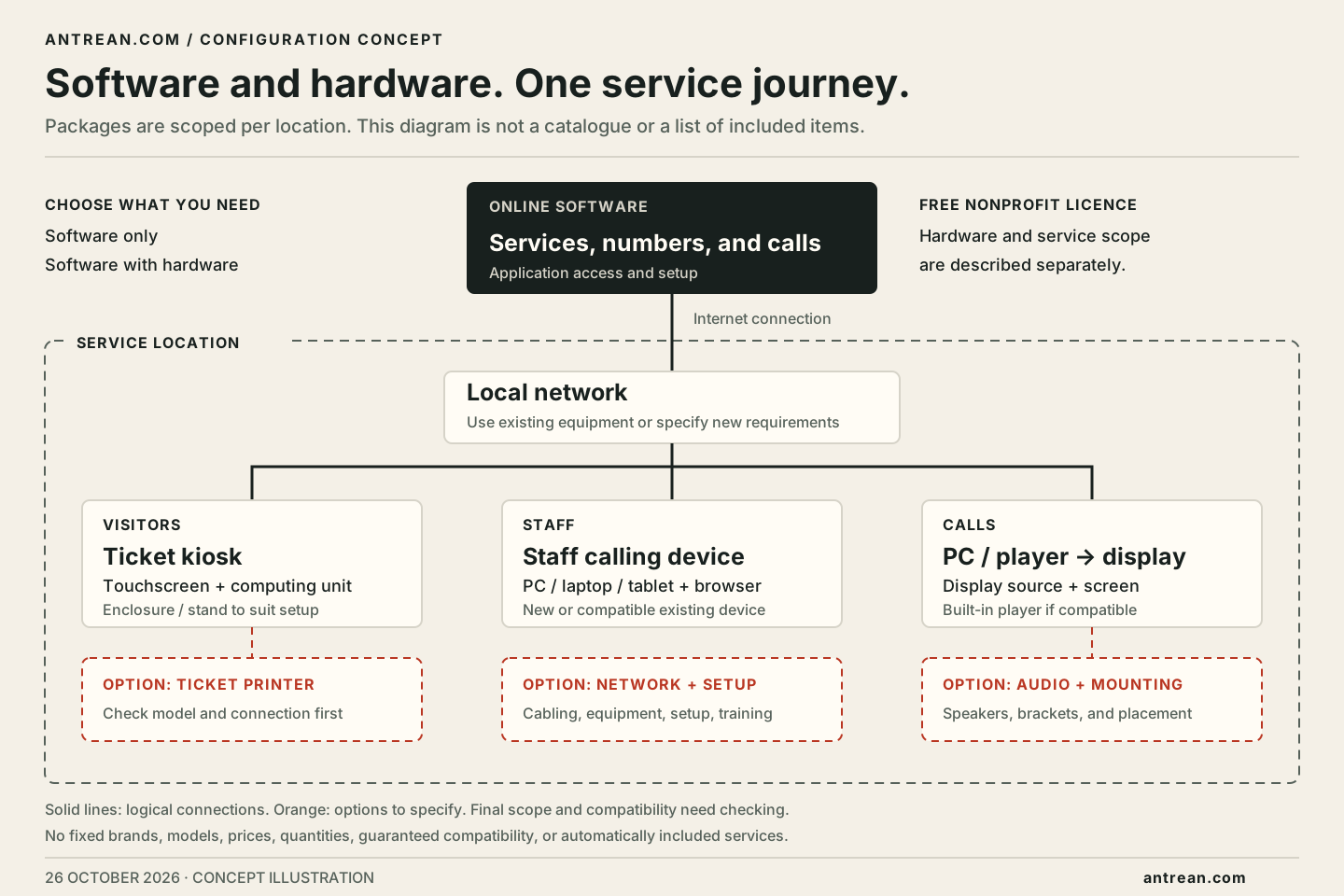
Requirements planner
List what you have.
Choose what to prepare.
A requirements summary to review.
No prices, checkout, or data submission.
Before agreeing on deployment
Check the scope,
beyond the pictures.
What is included in a package?
Equipment, quantities, specifications, and work follow your requirements and the written quotation. Illustrations on this page are not a list of automatically included items.
Can we use our existing display or computers?
This can be discussed. Equipment compatibility needs checking, including display sources, connections, browsers, and installation needs.
Are installation, hosting, and support included?
The scope and cost of each item are set out in the quotation. Nothing is automatically treated as included, free, or chargeable before the details are agreed.
Are prices calculated automatically?
This planner creates a component summary, not a price calculation. It does not create a purchase or order.